AI made simple for normal humans

Learn AI one drawing at a time

Short lessons, clean sketches, and practical tips that explain what AI is, how it works, and how to use it without feeling like your brain opened 37 tabs.

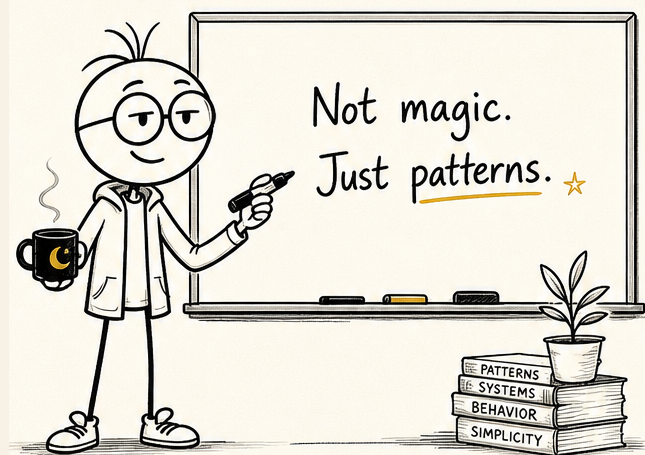
Not magic. Just patterns. Daily simple wins.
Milo Marker holding coffee and a marker beside a whiteboard that says Not magic. Just patterns.

Interactive AI tips

Pick what you need. Get a simple tip.

This is the part of the site that should feel useful, not just pretty. Choose a lane and the whiteboard updates.

Writing tip

Give AI the job, audience, and tone.

Do not ask it to "write something good." Tell it who it is for, what it should do, and how it should sound.

Try this prompt

Write a friendly thank-you note to my grandma. Keep it warm, simple, and under 90 words.
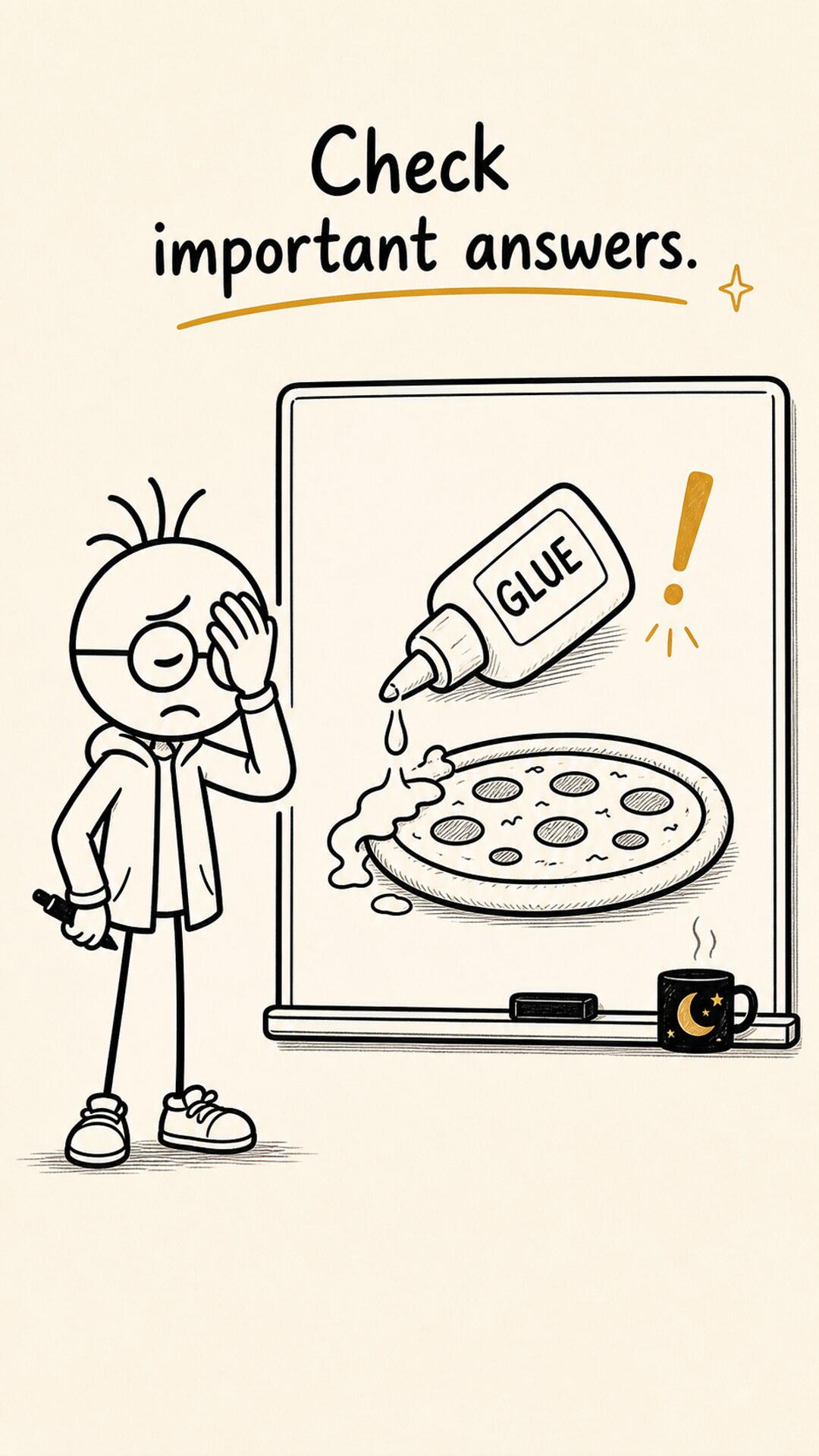
The Stick Figure AI host reacting to a bad AI answer that puts glue on pizza.

Important lesson

AI can be wrong. Very wrong.

The site should teach confidence and caution at the same time. AI can help you move faster, but important answers still need a human check.

  • Ask clear questions.
  • Check important answers.
  • Never outsource common sense to a confident AI answer.

Lesson board

The first lessons

Built for people who want AI explained without jargon, hype, or a guy screaming into a webcam.

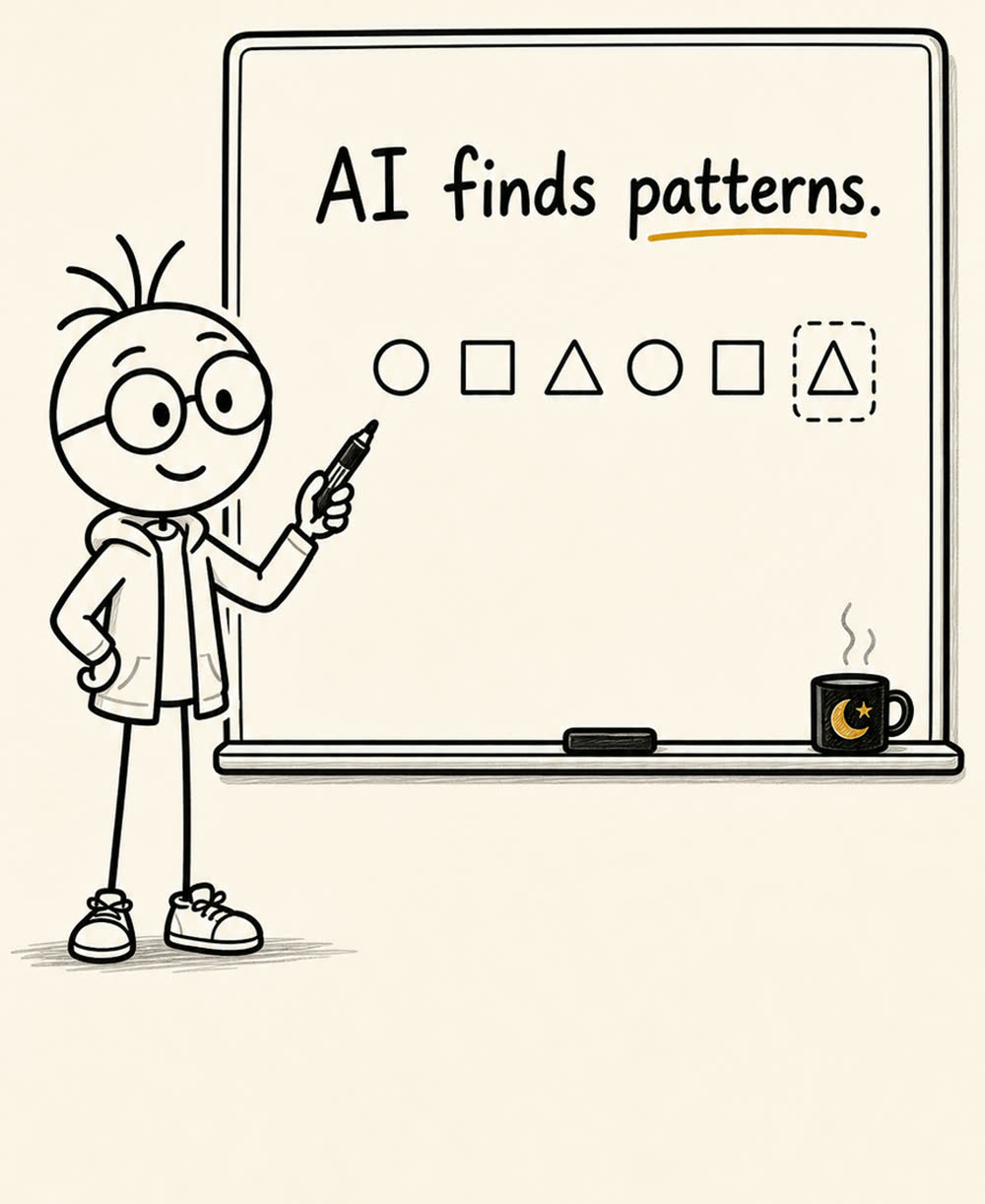
A hand-drawn board explaining that AI finds patterns.

Episode 01

What is AI?

AI is a computer tool that finds patterns, then uses those patterns to make a guess.

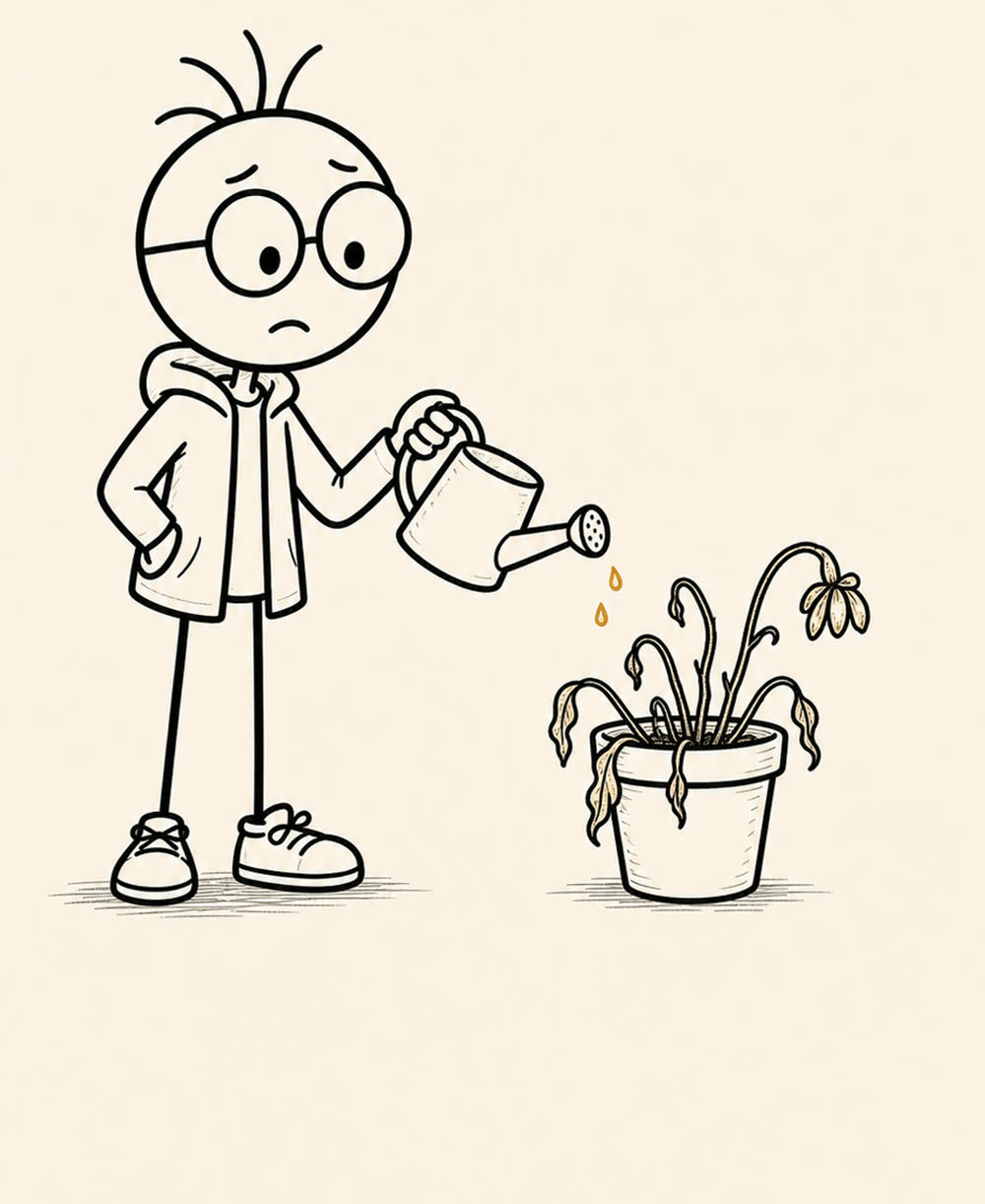
The Stick Figure AI host watering a pot of dead plants.

Episode 02

How AI learns

AI learns from examples. Good examples help. Bad examples make robot soup.

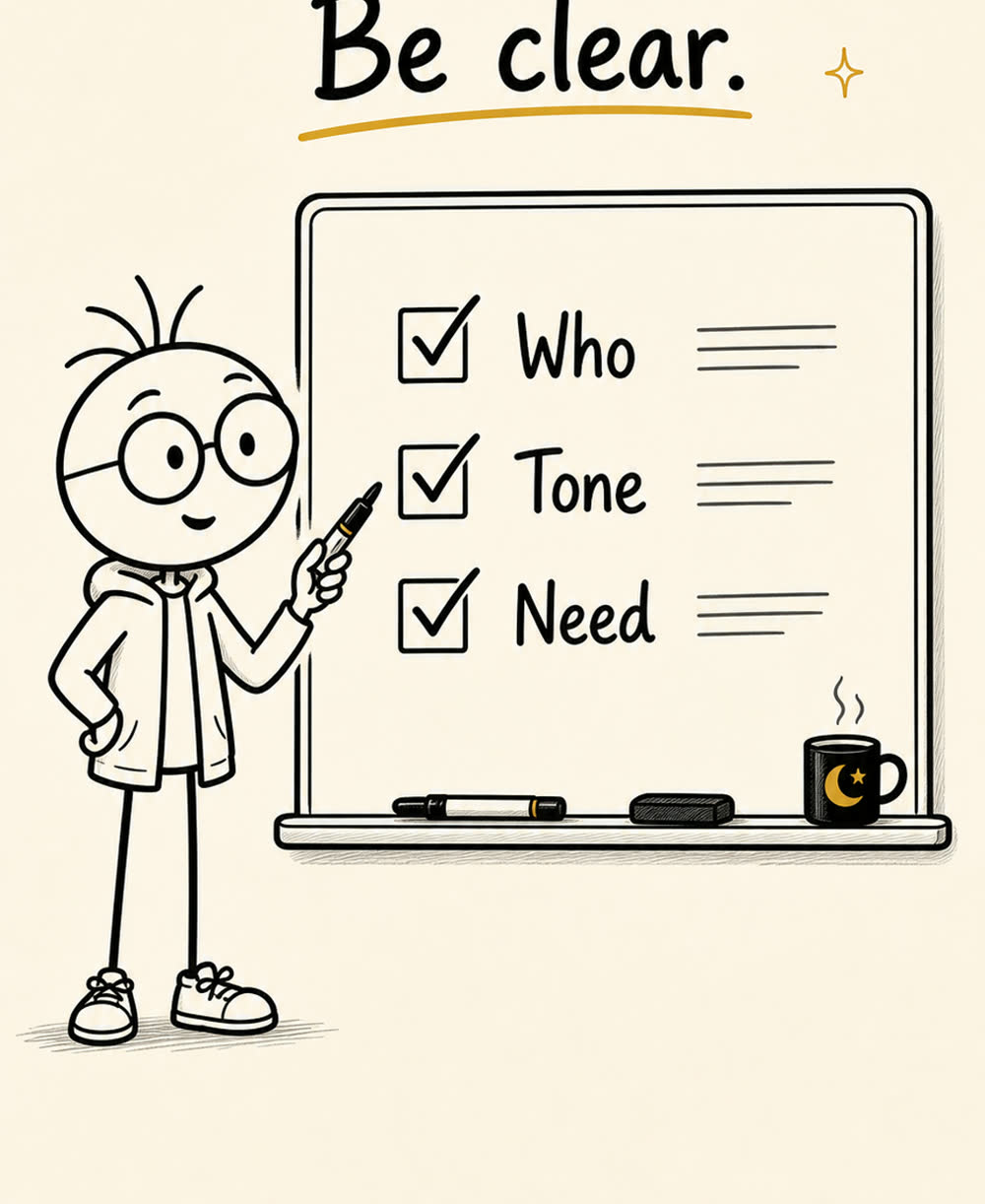
A hand-drawn board that says be clear.

Episode 03

Prompting basics

The clearer your question, the better the answer. AI still needs directions.

Prompt lab

Build a better prompt in 15 seconds.

Fill in three boxes. The site turns it into a prompt you can use.

Daily AI tips

Make the site the funnel.

The YouTube channel teaches. The website catches attention, gives people a useful tip, and points them back to the next lesson.

This is a front-end placeholder until an email provider is connected.